STL file repair and AI model cleanup
Get help with damaged meshes, AI-generated STL cleanup, thin details and print preparation.
What we consider
A file can look correct on screen but contain open edges, overlapping surfaces, disconnected islands or undersized features. Automatic repair may not preserve important details.
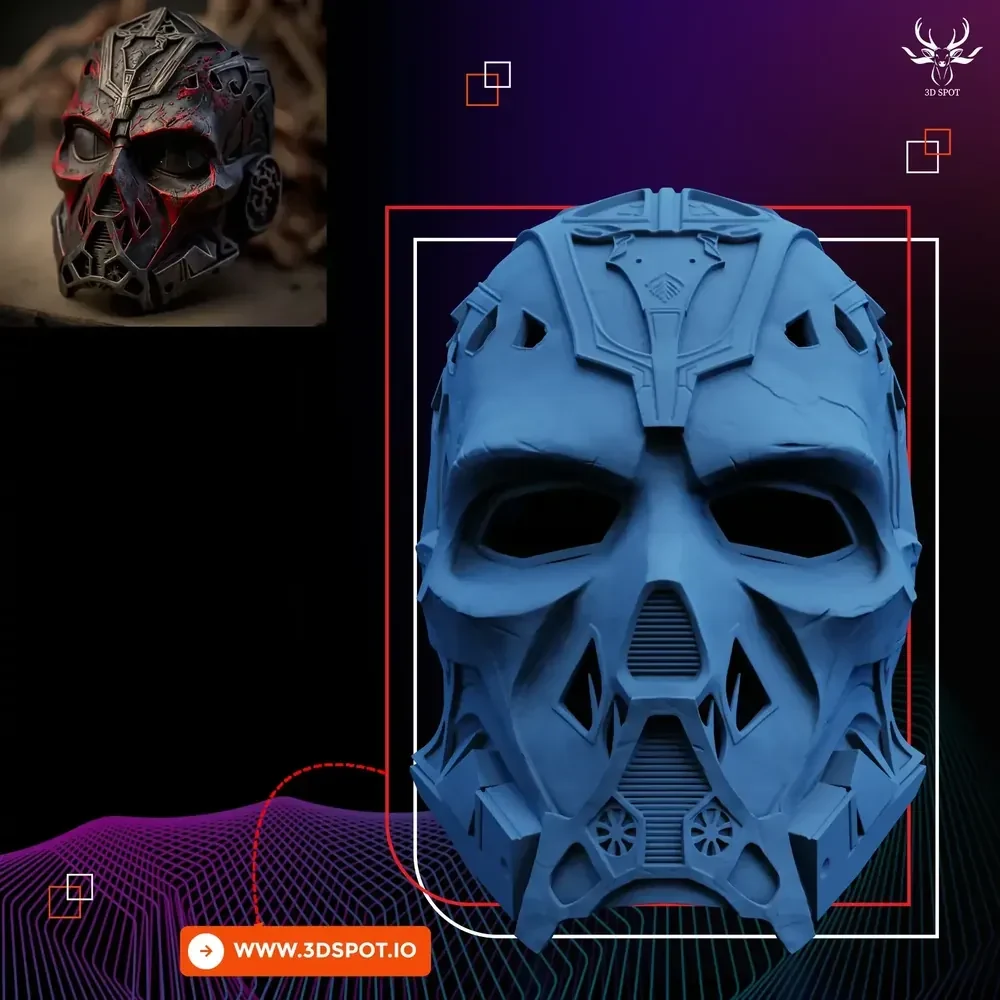
From our portfolio
What to send us
Send the original STL and a screenshot of your slicer error or failed print. Include target scale, printer type and areas that must remain unchanged.
How the commission works
We assess whether repair or partial remodeling makes sense. After cleanup, inspect the sliced layers and check dimensions before running a print.
Further reading
- Why a generated STL may fail to print
Generated meshes may contain intersecting surfaces, isolated fragments or thin features. A visually attractive render can conceal these problems.
- How to improve an AI-generated 3D model
The most useful cleanup may be artistic rather than just technical. A repaired model can still have distorted fingers, asymmetric faces or inconsistent surfaces.
- How to assess a broken STL file
Broken geometry can include open edges, reversed normals and overlapping shells. Some repair tools close holes without knowing whether those holes were intentional.
- How to check an STL before printing
A shaded preview can hide geometry issues. The slicer shows how a machine will actually attempt to build the object layer by layer.
Explore our services
- Image to STL: custom models made from your photos
- Custom STL files for your 3D printer
- Image to 3D model: from reference to digital sculpture
- Turn a photo into a custom 3D print
- Professional custom 3D modeling services
- Custom head sculpt from photos
- Custom action figure modeling and STL files
- Custom pet sculpture from a photo
- Custom 3D statue design for printing
- Custom portrait bust from photographs
- Turn your sketch into a 3D model
- Logo to STL for 3D printing
- Custom jewelry and decorative 3D modeling
- Custom bas-relief 3D modeling